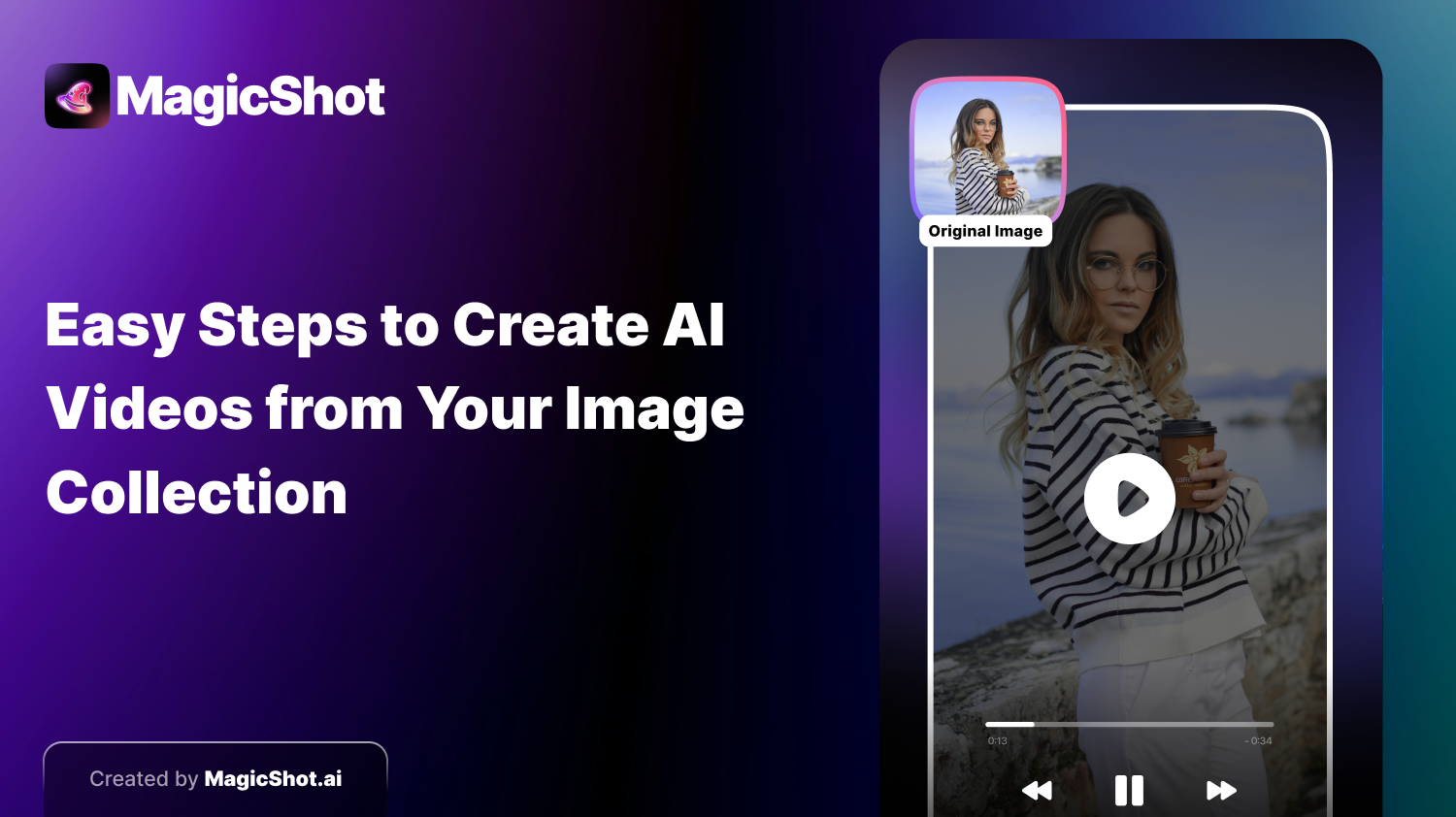
Are you ready to revitalize your treasured photos? Just imagine turning a normal photo into a cinematic motion picture in only a few clicks. Free AI video makers have changed the way we capture, share, and enjoy memories. From now on, with the advanced technology on hand, it has been very easy and convenient to make splendid videos with still pictures.
Whether you’re looking to spice up your social media feed, send sweet messages to friends and family, or just have fun with them, these apps bring you countless possibilities. Free AI video makers can analyze your images and detect key points, then move the image around, add effects, music and turn your images into a video within minutes.
In this tutorial, we will guide you through the process of transforming still images into animated videos, share some tips and tricks on how to get the most out of your creations, and discuss the technology that powers AI video makers such as AI Kiss Video Maker. Turn your precious moments into cinematic memories!
Step-by-Step Guide: Turning Photos into Cinematic Videos
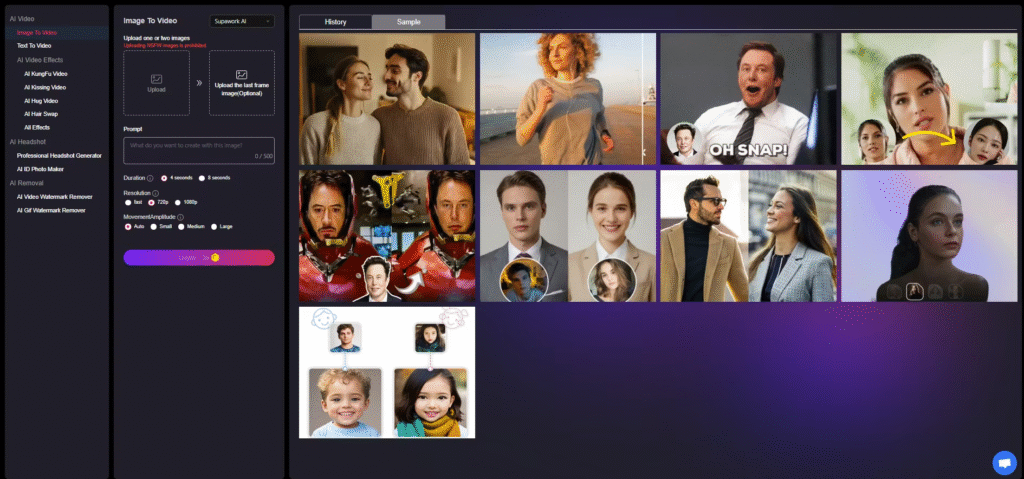
Turn photos into cinematic videos is easier than you think. Just follow this step-by-step tutorial to bring out the best in your pictures.
Step 1: Choose good-quality images.
First, you have to pick the images that correspond with the story you are telling. The final video quality depends on the quality of your images. Clear subjects in high-resolution images lead to more interesting results. Select photos that carry some emotion — vacation snaps, family get-togethers, or special occasions provide great bases for lively storytelling.
Step 2: Upload Your Photos
After you’ve chosen your images, upload them to the AI Kiss Video Generator for free. Most platforms allow opening JPG/PNG and other common formats. Just drag & drop your files and review them in a while. Make sure they follow the story flow you want to have in your video. This is the crucial step—it helps you to establish the whole 3D visual feeling.
Step 3: Direct Your Scene
Directing your scene is where the magic happens. This stage lets you create the narrative that your video will present. Consider the mood you desire — dramatic, playful, calm, or exciting. The decisions you make will affect how the AI transitions, what effects it uses, and the overall tone.
Think about the speed of your video. Quick cuts generate excitement, slower edits generate emotion. You can also add text overlays, subtitles, or voice narration to narrate your story. Direction isn’t just sight — it’s a story that seizes the audience from the very first frame.
.
Step 4: Produce and Show Up
With your scene set, click the generate button and watch the transformation. The artificial intelligence “watches” your photos, adds motion, and composes cinematic sequences. In just a few minutes, you can watch a preview of your video and evaluate everything—transitions, pacing, and visual effects.
If it doesn’t fit your vision, tweak it. Modify colors, do a few transition tweaks,o r apply different effects until your video is just right. Real-time previews make this process effortless, and empower you to create a refined final product.
Step 5: Refine, Download, and Share
After you have checked out your video, take one last step to polish it. Change the transition speed, timing or add special effects. When you finish, download the video in a file format that is friendly to the platform you want to use. It’s easy to share — post on social, send via email, or just keep it for yourself. Seeing still photos breathe life into motion is a fulfilling experience that inspires wonder and captivation.
Tips & Tricks to Maximize Your AI Video Creation
Use these tips to make full use of free AI video generators:
- Use high-resolution photos: Crisp images result in sharper, more detailed videos.
- Experiment with styles and themes: Every AI tool has unique effects. Play around to find what resonates best.
- Focus on storytelling: A clear narrative guides your choices in visuals and transitions, producing a cohesive video.
- Customize elements: Adjust colors, add text overlays, or tweak scenes to make the video uniquely yours.
- Follow social media trends: Aligning your videos with popular formats can boost engagement and visibility.
Understanding AI Kiss Video Generator
What Is AI Kiss Video Generator?
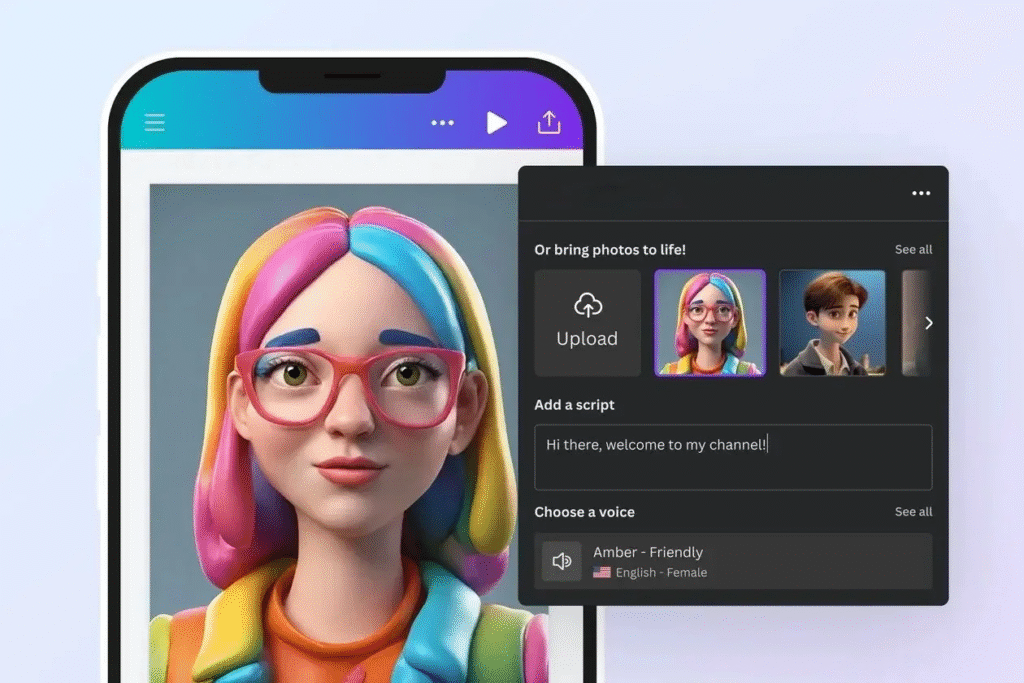
AI Kiss Video Generator makes use of AI to turn your still images into cinematic videos. They were designed for simplicity so that everyone could create professional-quality products without technical know-how. The generator processes your images, introduces movement, uses transitions, and even adds soundtracks to tell visual stories.
How AI Kiss Works
The AI Kiss Video Generator uses advanced algorithms to understand your images:
- Analyzes visual elements: Identifies faces, backgrounds, and objects in each photo.
- Creates dynamic transitions: Uses detected features to craft smooth motion effects.
- Customization options: Users can control themes, styles, and emotional tones.
- Real-time previews: Watch adjustments happen instantly before finalizing your video.
The result is a seamless, cinematic video that retains photorealistic quality and captures the essence of your original photos.
The Technology Behind AI Video Generators
Free AI video generators rely on machine learning, deep neural networks, and computer vision. Here’s how they work:
- Machine Learning: Analyzes image features and predicts suitable transitions and effects.
- Deep Neural Networks: Detect patterns, textures, and emotions, creating realistic motion from static images.
- Computer Vision: Understands spatial relationships in photos, mapping depth and perspective.
- Natural Language Processing (NLP): Allows users to guide the AI using themes or narrative prompts.
These technologies work together to produce high-quality, photorealistic videos with minimal effort, democratizing video creation for everyone.
Use Cases of AI Kiss Video Generator
AI Kiss Video Generator offers a variety of applications:
Social Media Content Creation
Turn static photos into dynamic videos for Instagram, TikTok, and Facebook. Your followers are more likely to Like, Comment, and Share your posts if your content is visually engaging.
Personal Expression
Share personal memories in fun and creative ways. Travel adventures, family moments, or milestone occasions are transformed into cinematic experiences that bring your tale to life more vividly than still photographs.
Creative Storytelling
Tell stories with images. Each photo can express feelings, create tension, or emphasize important points, making the characters in the stories come to life.
Romantic Surprises
Make heartfelt videos for your loved one. Mix your favorite photos, music, and effects to create meaningful surprises for anniversaries, birthdays, or just because.
Event Invitations and Announcements
Make your wedding, part,y or corporate event invitations stand out by converting static text and images into vibrant video invitations that demand attention right from the start!
Features That Make AI Kiss Stand Out
Photorealistic Quality
AI Kiss outputs videos that feel real. The colors, textures, and expressions look natural, turning everyday photographs into a movie experience.
Extensive Scene Customization
Users have full control over the background, lighting, color, and other effect options. This allows each video to have its own unique look and feel.
Zero Learning Curve
The user-friendly interface allows anyone to make videos with no experience required. Friendly drag and drop makes creating videos fun and easy for all.
Social Media Optimization
AI Kiss videos are formatted for various platforms . The right size, enticing images, and the right amount of pacing can make your ad more visible and engaging.
Privacy and Security
Its users’ data is protected by encryption, and most platforms permit you to delete your files once the generation is complete. Your memories are safe the whole way through.
From Static to Dynamic: The Transformation
Static images coming to life are magical. AI video creators bring your memories to life with motion, emotion, and color. Landscapes breathe, faces move, and everyday moments are turned into cinematic tales. This metamorphosis paves the way for new imaginative forms and narratives.
Conclusion
No-code AI video makers are reinventing the way we remember. Now with AI Kiss Video Generator, all can easily convert photos to cinematic videos. From social media updates to narratives about personal life, these platforms offer a creative outlet for all — there’s no need for technical expertise. Adopt technology and make your special moments into dynamic, memorable visual stories.
Frequently Asked Questions (FAQs)
1. What is a free AI video generator, and how does it work?
What is an AI video generator? It processes images, adds transitions and effects,s and renders a cinematic video automatically.
2. Can I turn all types of photos into cinematic videos?
Most generators give you the option to download in standard formats such as JPG or PNG. A higher quality photo will generate better output, while a lower quality photo may have an effect on the output.
3. How long does it take to create a video?
It usually takes a few minutes to an hour at most, depending on how many photos there are.
. Some software products provide real-time previewing to speed up the editing process.
4. Do I need technical skills?
No. Free AI video makers are built to be easy to use with drag-and-drop interfaces and pre-made templates.
5. Are there any limitations to free tools?
Yes. Free versions could be Watermarks, Limited Templates, Shorter Video Length, or Less the number of Customization Options. Paid versions may be necessary for full functionality.
About the Author